
Current guides mention classic shirts, classic pants, classic T-shirts, hair, faces, and accessories.
Build your student
Rintama High Customization
Use Marketplace IDs for supported assets, then save Reroll Tokens for choices that actually require them.
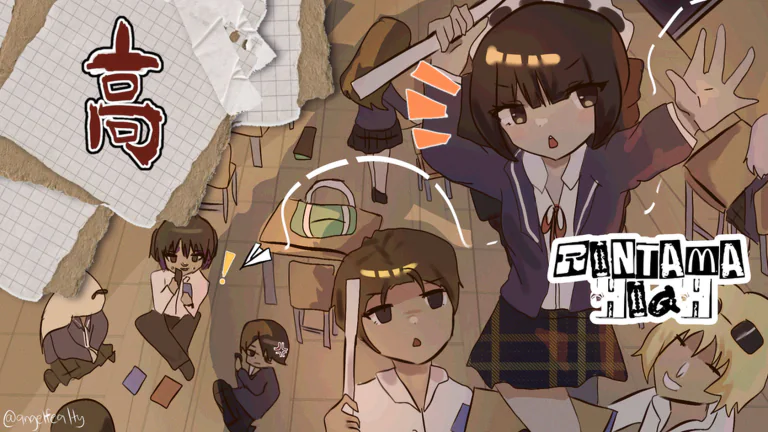
The official Roblox description confirms copy-and-paste Marketplace IDs. A fresh August guide adds the current Face ID workflow and reports how Head, clothing, and Hair IDs behave, but the exact supported list can still change.
Import a Roblox Marketplace asset
Open the Marketplace item page and copy the number from its URL. Do not paste the full address.
A shirt ID belongs in the shirt field. A hair or face ID belongs in its own supported slot.
If an item does not load, confirm its type, sale status, moderation status, and the ID you copied.
Face, Hair, and clothing IDs
Match the Marketplace item to the right field
Use the number inside the Roblox catalog URL. Do not paste the whole URL or move one asset type into an unrelated slot.
Face IDs
Browse the Marketplace Heads category, copy the numeric ID, and paste it into the Head or Face field. Current coverage says 3D Head IDs can load, though the fit may vary.
Hair IDs
Paste a Hair asset ID into the matching field. The current guide reports that the in-game rolled hair color replaces the catalog preview color.
Shirt and Pants IDs
Use classic Shirt, Pants, or T-shirt asset numbers in their matching fields. Layered clothing may not behave like a classic asset.
Accessory IDs
Use only a supported accessory field. Hair accessories may inherit the rolled hair color according to the August guide, so check the preview before saving.
Example Marketplace URL
roblox.com/catalog/123456789/item-namePaste only this part
123456789Edit after joiningOpen the phone, choose Settings, and return to the customization menu.
Do not use a reroll for the wrong job
Marketplace assets and rerolled traits are separate customization systems.
Marketplace ID
Use for supported catalog assets such as clothing, hair, faces, or accessories.
No Reroll Token required for the ID itselfReroll Token
Current guides describe rerolls for options such as hair color and height rather than catalog-item import.
Spend only after deciding the build
Height is reported as a combat tradeoff
A July 2026 guide says taller builds favor damage but present a larger hitbox. Shorter builds favor movement and attack pace.
No developer-published formula was found. Treat the tradeoff as current guide advice, not a fixed numeric stat table.
If an ID does not load
Remove everything except the numberFields normally expect an asset ID, not a full Marketplace URL.
Match the field and asset typeA layered-clothing item may not work in a classic-shirt field.
Try a current public catalog itemDeleted, private, or moderated assets can fail to render.
Reopen character creationThe new release may have preview bugs, so reload before spending a reroll.
Sources
Marketplace-ID support is official. Asset-field behavior reflects current guides checked August 15, 2026; height tradeoffs remain July guide advice without a developer formula.
- Rintama High on Robloxo7 Delinquent Café, updated 2026-08-15
- How To Find Rintama High Face IDsGamezebo, updated 2026-08-13
- Rintama High Codes (August 2026)Pro Game Guides, updated 2026-08-11
- Rintama High codesPCGamesN, updated 2026-08-05
- Rintama High Roblox Beginner's Guide: Rewards, Fast Yen, and CombatNerd's Chalk, updated 2026-07-28