Open phone or quick menu
Guides describe Q as a direct phone shortcut and Tab as the quick menu.
Public game keybinds
Check passive mode and the Roblox place before assuming a keybind is broken.
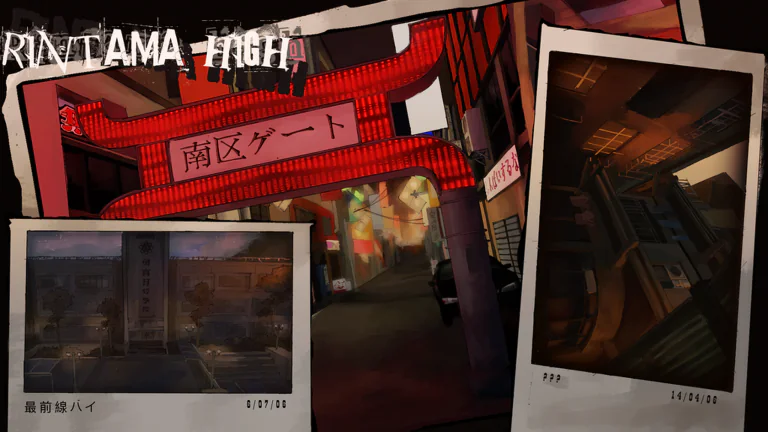
These inputs were reported for the main Rintama High place by a July 28 guide.
Guides describe Q as a direct phone shortcut and Tab as the quick menu.
Turn passive mode off first.
Enable Shift Lock in Roblox settings first.
Fix the game state before remapping keys or rejoining repeatedly.
Open the phone, choose Settings, and disable passive mode before pressing G or using attacks.
Turn Shift Lock on in Roblox settings. Current guides then use Alt for controlled facing.
The public game is 131031240633619. Training Grounds is 17559079448 and publishes different binds.
The official page warns about early-release bugs. In-game keybind text is the final reference after an update.
These inputs come directly from the separate Training Grounds Roblox description.
| Action | Input | Place |
|---|---|---|
| Rush combo | M1 | RINTAMA: Training Grounds |
| Finishing blow | M2 | RINTAMA: Training Grounds |
| Evade or quickstep | E | RINTAMA: Training Grounds |
| Guard | F | RINTAMA: Training Grounds |
| Lock on or off | Hold Space | RINTAMA: Training Grounds |
| Enter or exit combat | G | RINTAMA: Training Grounds |
| Sprint | Hold Shift | RINTAMA: Training Grounds |
Do not carry this table into the current public game. For example, Training Grounds lists E for evade and hold Space for lock-on, while the current public guide reports Space for evade.
The public table is guide-reported. The Training Grounds table is copied from the official description of that separate place.